Restaurant Website Design: Online Ordering, Menus and Table Booking
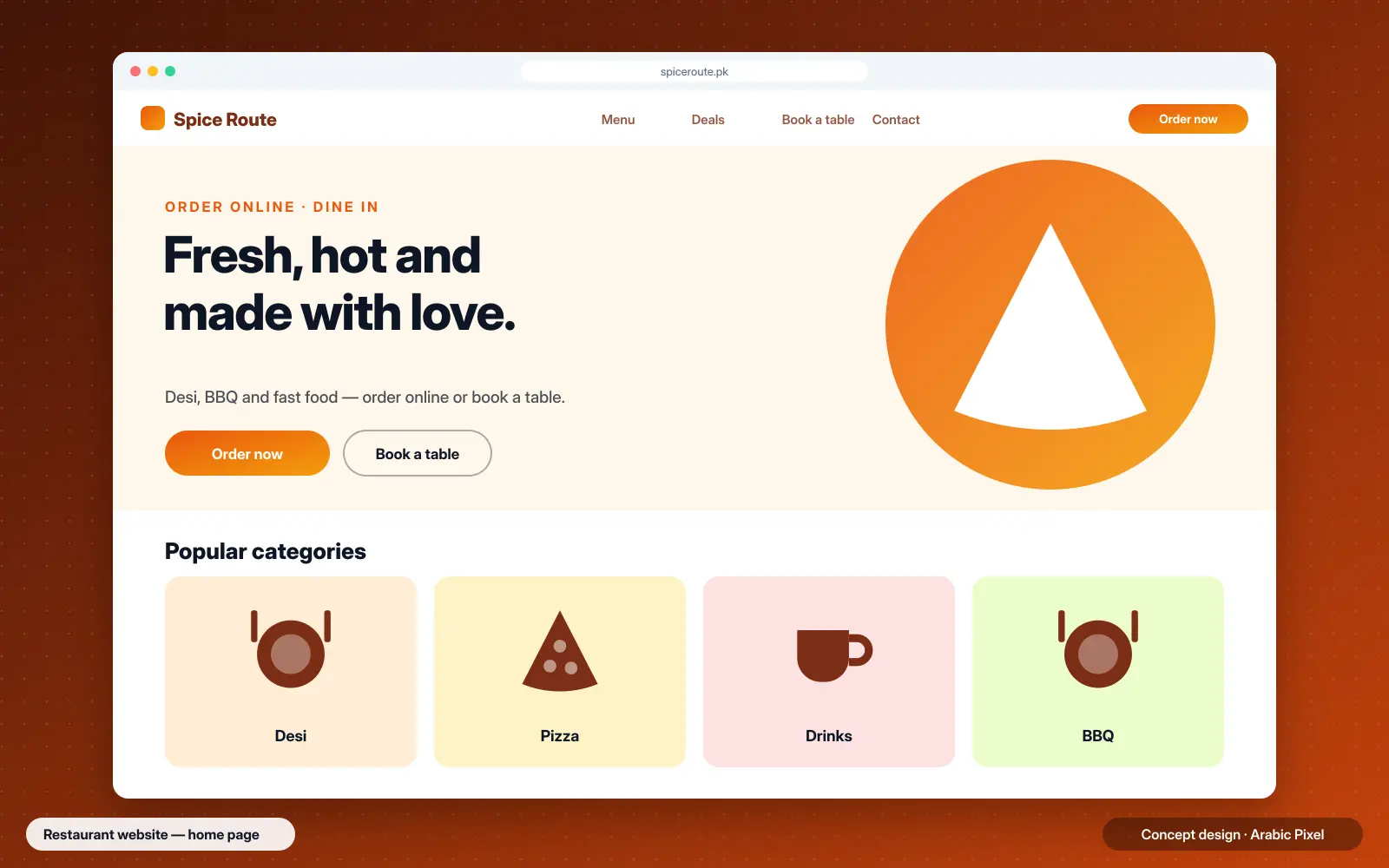
A restaurant website should do three jobs: show a mouth-watering menu, take orders without delivery-app commissions, and fill tables with easy bookings — all fast on a phone.
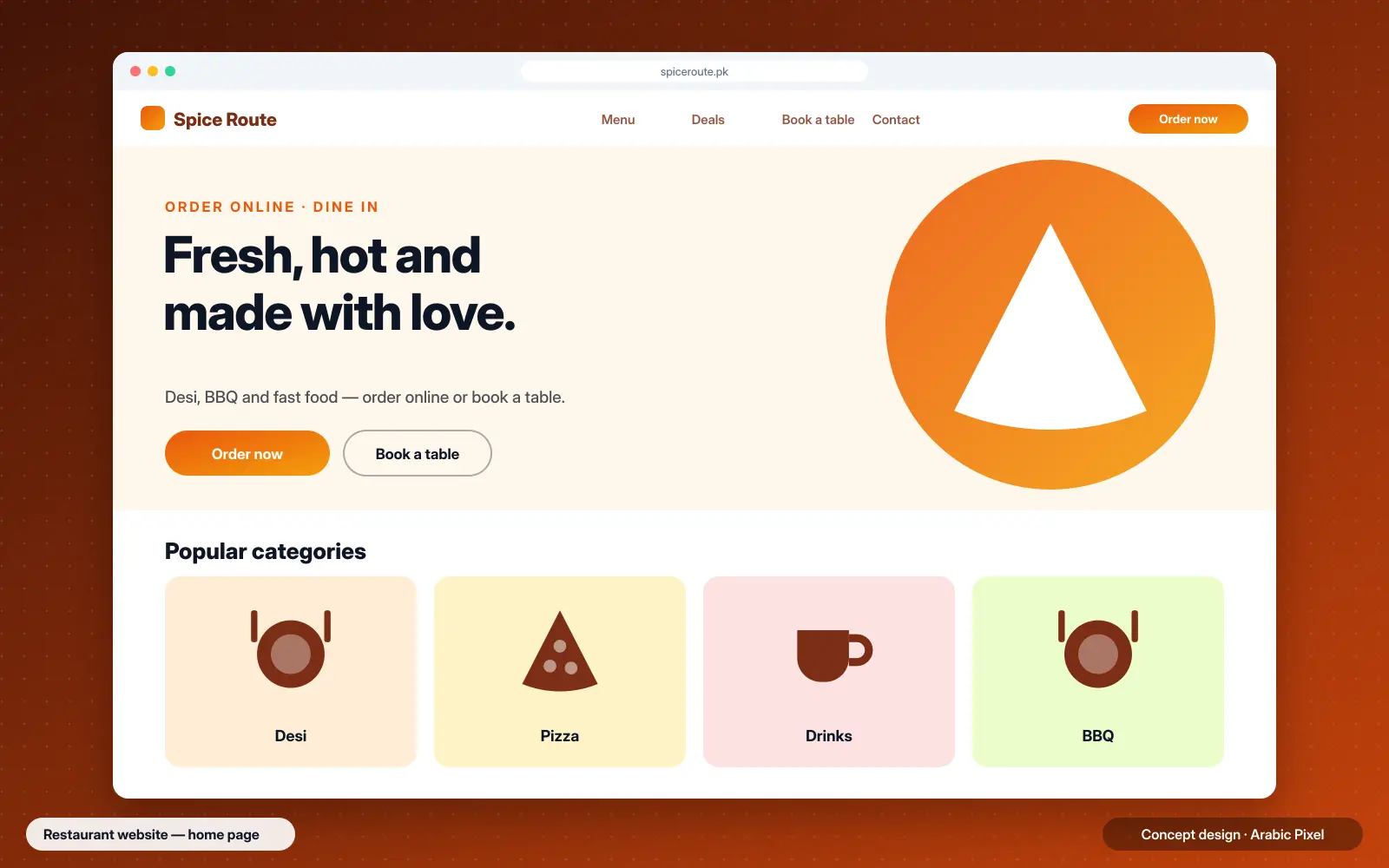
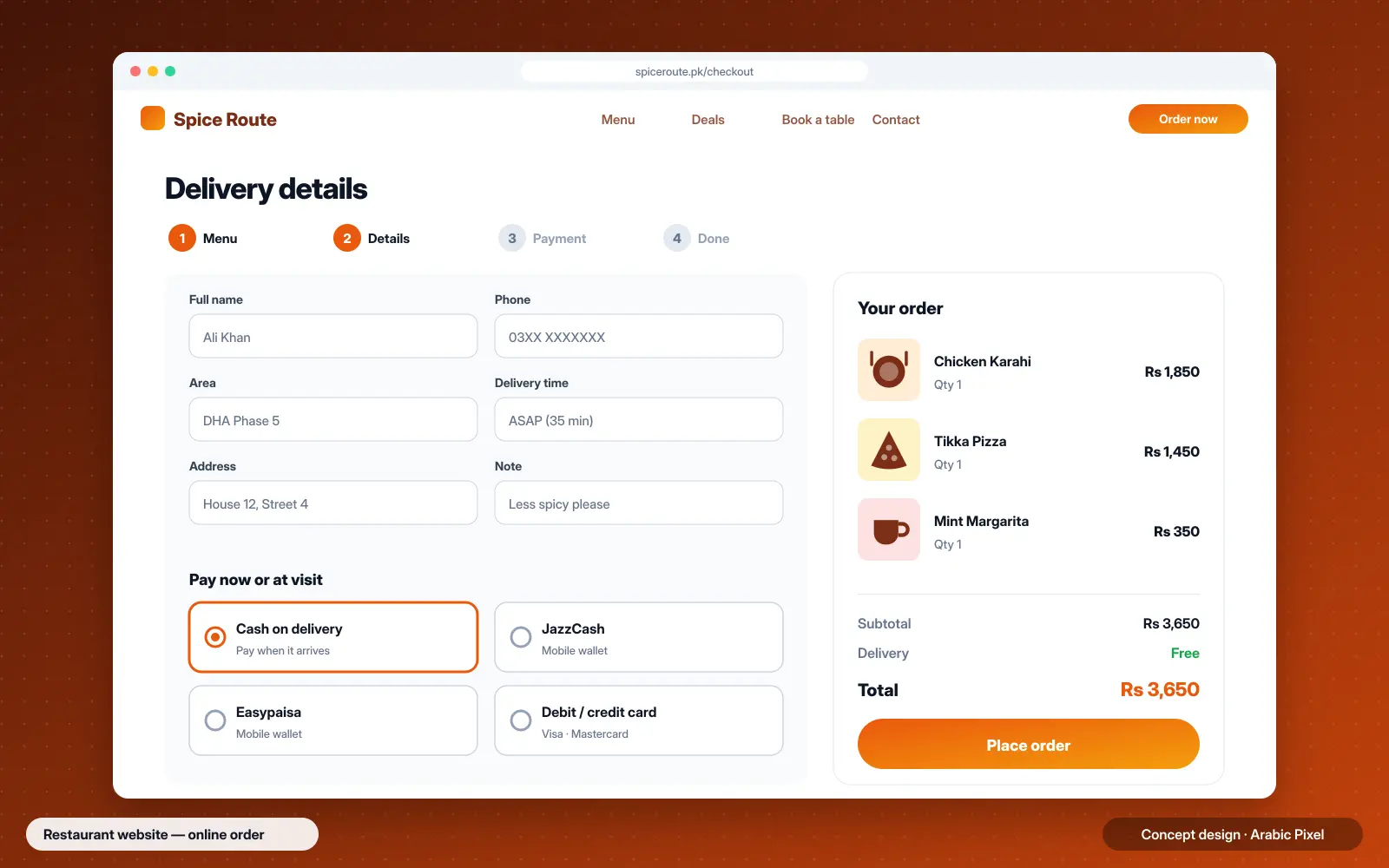
Below is a concept design we made for a fictional brand, Spice Route, to show what a modern restaurant website can look like — on desktop and mobile.
Who this is for
This guide is for restaurants, cafés, bakeries and cloud kitchens who want a website that brings in orders — not just a page that looks nice.
Must-have features
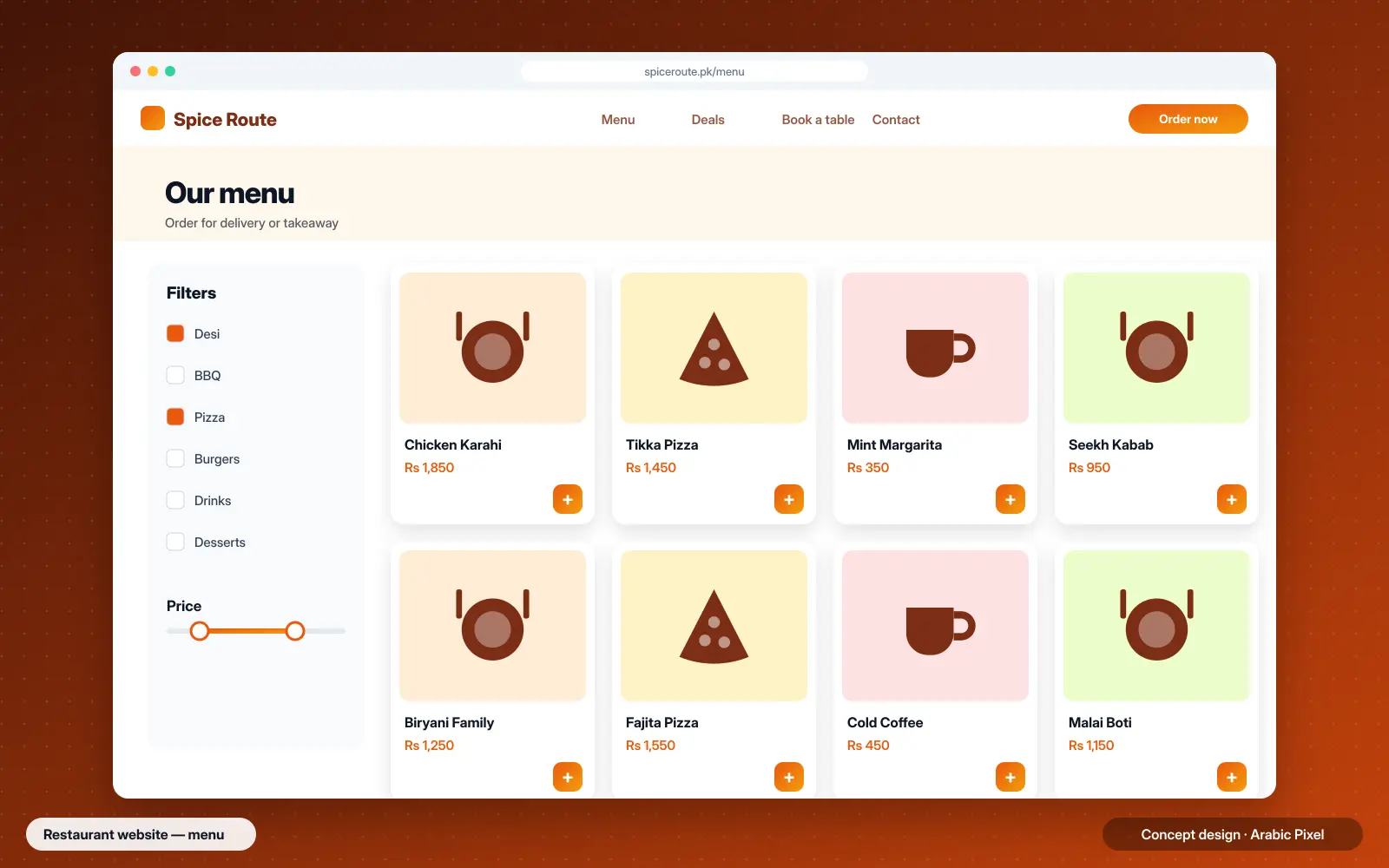
- Online menu with photos, categories and deals
- Online ordering for delivery and takeaway
- Delivery areas and minimum order by area
- Table booking with time slots
- Order alerts to the kitchen on WhatsApp
- Cash on delivery and online payment
- Opening hours and Google Maps
- Deals and loyalty for repeat customers
Pages your website needs
- Home page with your main services
- Service / listing pages
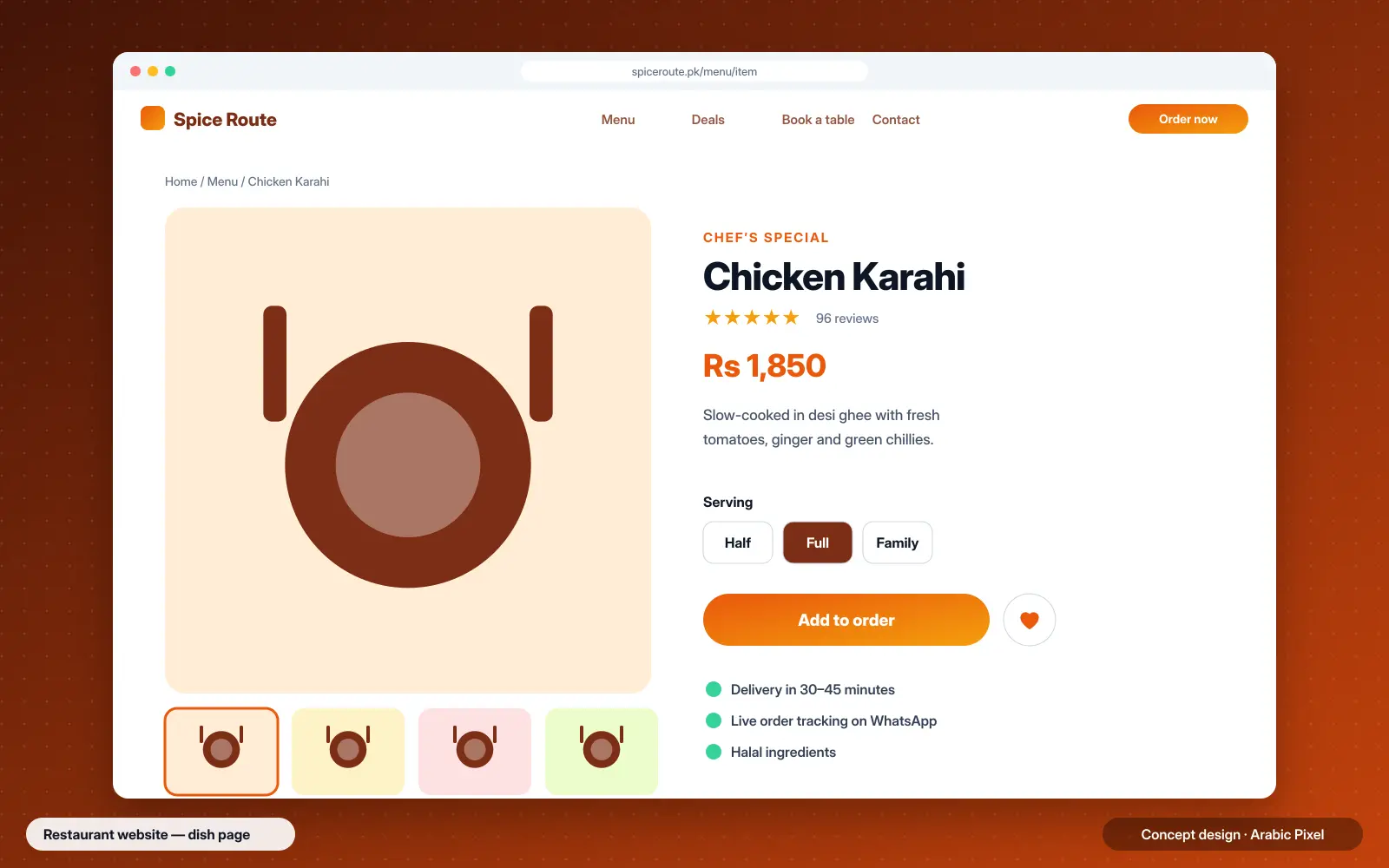
- Detail pages (dish, property, doctor or course)
- Booking or order form
- Customer account and history
- About, Contact, FAQ and policy pages
Mobile first
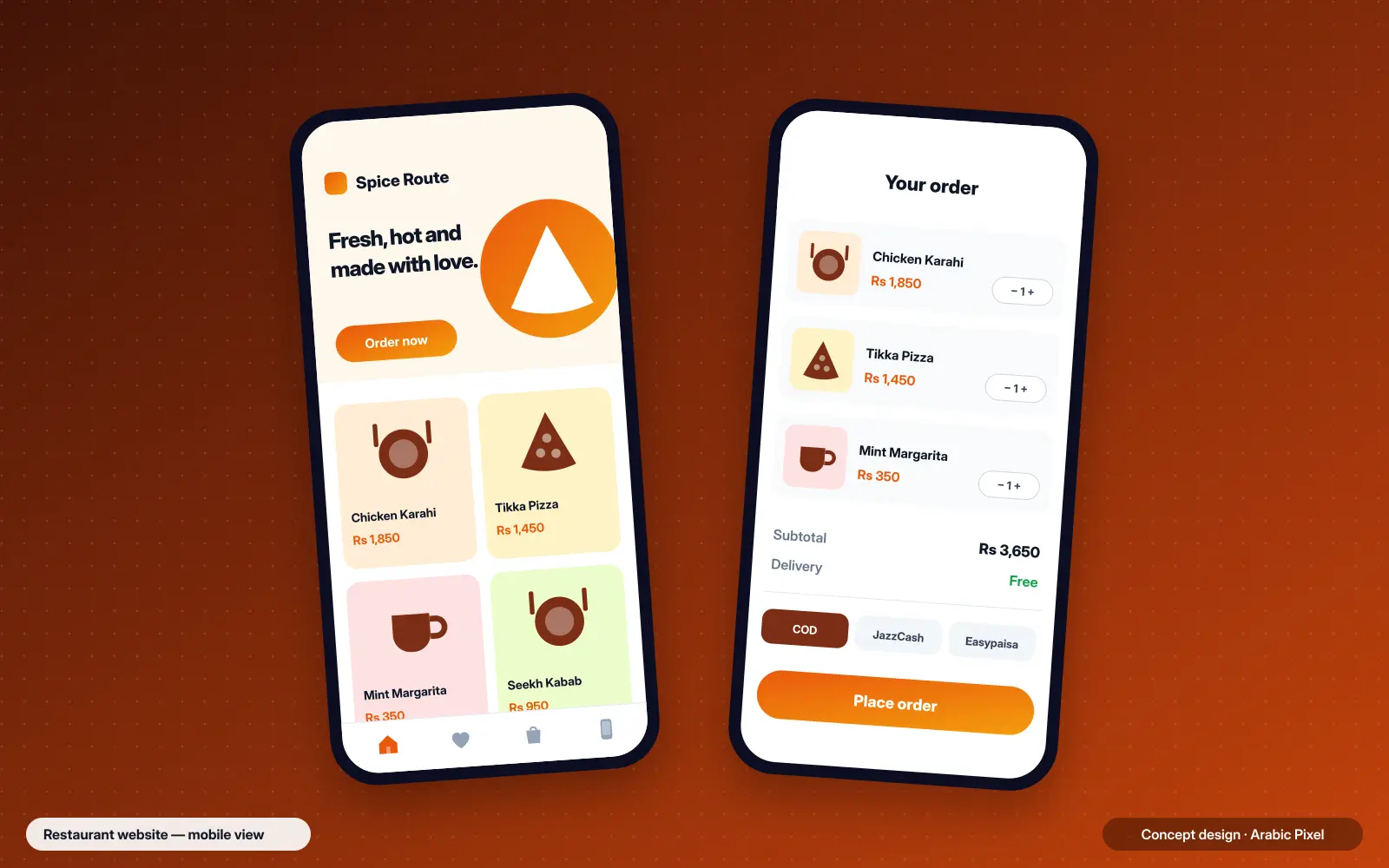
Most of your visitors will come from a phone — often from Instagram, Facebook or WhatsApp links. Buttons must be easy to tap, images must load fast and checkout should take less than a minute.
Payments and delivery in Pakistan
Offer the ways your customers already pay: cash on delivery, JazzCash, Easypaisa, bank transfer and cards. Confirm orders on WhatsApp, connect your courier for tracking numbers, and send order updates automatically.
Tips from our experience
- Your own ordering website saves the commission you pay to delivery apps.
- Show “most ordered” items first — it speeds up decisions.
- Keep the menu updated from the admin panel so prices are never wrong.
SEO and marketing built in
- Fast pages, clean URLs and an automatic sitemap so Google can find every product
- Product and FAQ structured data for richer search results
- Facebook/Meta pixel, Google Analytics and UTM tracking
- A blog to publish guides that bring free traffic
Shopify, WordPress or custom?
Shopify is quick to launch and easy to manage. WordPress + WooCommerce is flexible and has no monthly platform fee. A custom Laravel website (like this one) is best when you need special features — custom orders, bookings, wholesale logins or integrations. We help you choose based on your budget and plans.
How long does it take?
A standard store or business website usually takes 2–4 weeks from content to launch. Custom features add time — you get a clear timeline and fixed quote before we start.
Frequently asked
Do we still need delivery apps?
Many restaurants keep them for discovery but push repeat customers to their own site, where there is no commission.
Can I update products and prices myself?
Yes. You get an easy admin panel and a short training session after launch.
Do you provide hosting and a domain?
We can set up everything, including hosting, domain, business email and SSL — see our hosting guide.
Want a website like this?
Tell us about your business and we will send a free plan and quote within one business day. Get a free quote →
The designs in this article are concept designs for a fictional brand, created by Arabic Pixel to show ideas — they are not a client website.
Web hosting, domains and website builder — great for beginners and small businesses.